Local campaign teams keep confusing two different jobs: getting people to knock doors and getting people to write checks. Volunteer coordination software handles the first job — this guide breaks down what to look for, what to skip, and where a fundraising CRM like Campaign Deputy fits once a volunteer turns into a donor.
- Volunteer coordination software for campaigns should handle scheduling and canvassing, not compliance reporting — that’s a separate job.
- Campaign Deputy is a fundraising CRM, not a volunteer scheduler — use it for the donor side once a volunteer starts giving.
- NGP VAN/VoteBuilder remains the default field database for Democratic and non-partisan campaigns in 2026 if your state party already grants access.
- Spreadsheets work for a two-person outreach team; past that, the lack of shift sign-up and text sync becomes the bottleneck.
- The real risk isn’t picking the wrong volunteer tool — it’s letting volunteer and donor records live in the same messy list.
Why this matters
Most local campaigns buy volunteer coordination software and fundraising software as if they're the same purchase. They aren't.
A volunteer tool needs to schedule shifts, cut walk lists, and text a canvasser about a route change. A fundraising CRM needs to track every dollar toward an FEC or state filing deadline, run call time, and send donation asks. Mixing the two means your compliance report in 2026 has volunteer contacts who never gave a dime, and your text blast to donors accidentally goes to someone who only signed up to knock doors once.
Get the split right early and both jobs get easier. Get it wrong and you're cleaning up two lists six weeks before Election Day.
Who this is for
This guide is for campaign managers, field directors, and candidates running city council, school board, state house, or county races who are staffing up a volunteer program — political campaign tools for voter outreach and field teams sit next to this decision, not inside it. If you're a first-time candidate running your own field program with five volunteers and a spreadsheet, the calculus is different than a state house campaign coordinating 40 canvassers across three field offices. Both need a plan for where volunteer data stops and donor data starts.
What to look for in volunteer coordination software for local campaign teams
Shift scheduling and sign-up automation
A volunteer who has to email you to find a canvass shift won't show up twice. Look for a tool where someone signs up for a Saturday shift in under a minute, gets a reminder text, and can cancel without calling the office. Campaigns that automate this in 2026 report fewer no-shows than ones running shifts off a shared spreadsheet — the mechanics matter more than the branding.
Turf-cutting and voter file integration
Walk lists have to come from somewhere, and that somewhere is your state's voter file. Volunteer coordination software that can't pull and cut turf from VAN or your state's equivalent forces someone on staff to build walk packets by hand every week. That's a real cost in staff hours, not a minor inconvenience.
Two-way texting built for canvassers
Email doesn't reach a volunteer standing on a porch who needs a new address. Texting does. The tool needs two-way texting that a field director can use to redirect a route in real time, separate from any donor texting your fundraising team runs.
A clean handoff when a volunteer becomes a donor
This is the part most campaigns skip. A volunteer who knocks 200 doors and then gives $50 needs to land in your donor CRM without creating a duplicate record or getting lost. If your volunteer tool and your fundraising CRM don't talk to each other, that handoff happens manually or not at all.
Reporting that stays out of compliance territory
Volunteer coordination doesn't need FEC-level detail — hours logged and shifts filled is enough. Compliance reporting is a separate, higher-stakes job that belongs in your fundraising and treasury system, not bolted onto a scheduling tool.
Keep donor data out of your volunteer list
See how Campaign Deputy handles the fundraising and compliance side.
Top picks
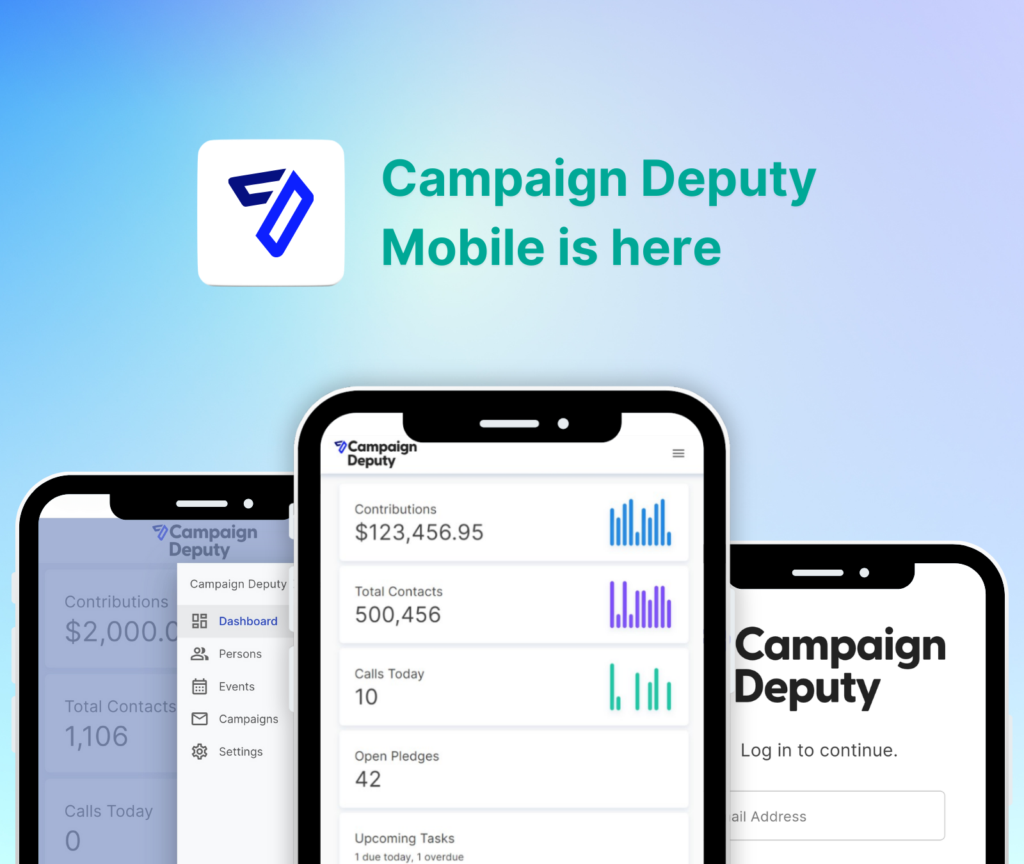
Campaign Deputy — the donor-side pick. Campaign Deputy is a fundraising CRM, not a volunteer scheduler, and it doesn't pretend to be one. What it does handle is call time, email, texting, web forms, and campaign finance reporting for the donors your volunteer program eventually surfaces. Once a canvasser becomes a contributor, that record needs to move into a system built for FEC and state filing deadlines, not stay in a shift-tracking spreadsheet. Buy for the fundraising and compliance layer — not as your volunteer scheduler.
Campaign Deputy's GOTV texting — the closing-week pick. The texting platform for get-out-the-vote campaigns is built for the message blasts campaigns send in the final days before Election Day, when timing matters more than list-building. It's a fit once you already have contact numbers gathered from your field program and need to push reminders fast. Consider it as the messaging layer that connects to your existing donor and supporter contacts, not as your primary volunteer scheduler.
NGP VAN / VoteBuilder — the default field database. Most state Democratic parties and a growing number of non-partisan campaigns already have access to VAN, which remains the standard voter file and canvassing platform in 2026. If your state party grants you a login, you're not choosing a new tool — you're deciding how to use the one you already have. Consider it your baseline if access is already available; don't pay for a second field database on top of it.
Mobilize — the volunteer recruitment pick. Mobilize is a widely used event and volunteer sign-up platform that plugs into a campaign's existing outreach, handling the sign-up page and reminder emails for a phone bank or canvass shift. It's a recruitment funnel, not a full field database, so it works best paired with VAN or a state file for the actual walk lists. Consider it if your bottleneck is getting people to sign up, not managing the data once they do.
The spreadsheet — the honest starting point. A shared spreadsheet with shift slots and phone numbers is how most first-time candidates start, and it works fine while one or two people are running outreach by hand. It breaks down the moment you need automated reminders, two-way texting, or a walk list cut by turf. Skip it once you have more than a single person coordinating shifts.
What to avoid
- Using your fundraising CRM as your volunteer roster. It looks convenient because the contacts are already in one place, but it clutters your donor list with non-donors and makes your compliance reporting messier, not cleaner.
- A canvassing app with no donor handoff. If a volunteer gives money and that gift doesn't route into a system built for FEC reporting, you've created a compliance gap, not saved a step.
- Free scheduling tools with no voter file sync. They handle sign-ups fine but leave someone on staff manually building walk packets every week — a real time cost that shows up fast once volunteer numbers grow.
Verdict comparison
| Tool | Shift scheduling | Voter file sync | Two-way texting | Compliance reporting | Verdict |
|---|---|---|---|---|---|
| Campaign Deputy | No | No | Donor-side texting only | Yes | Buy for fundraising/compliance |
| NGP VAN / VoteBuilder | Limited | Yes | Limited | No | Consider if already granted access |
| Mobilize | Yes | No | No | No | Consider for recruitment |
| Spreadsheet | Manual | No | No | No | Skip past a two-person team |
FAQ
What’s the best volunteer coordination software for a local campaign in 2026?
There’s no single best tool — most local campaigns in 2026 pair a state voter file like NGP VAN or VoteBuilder for turf-cutting with a lighter sign-up tool like Mobilize for recruitment. The right combination depends on whether your state party already grants VAN access.
Is Campaign Deputy a volunteer coordination tool?
No. Campaign Deputy is a fundraising CRM built for call time, email, texting, web forms, and campaign finance reporting for donors, not a shift scheduler for canvassers. It’s the tool you use once a volunteer becomes a contributor.
Do I need separate software for volunteers and donors?
Yes, in most cases. Volunteer coordination needs scheduling and field data; donor management needs compliance-grade tracking toward FEC or state deadlines, and mixing the two records creates cleanup work later.
Can I use NGP VAN for volunteer coordination?
Yes — VAN is built for exactly this, including turf-cutting and volunteer contact tracking, and it’s the standard field database many state parties already provide access to in 2026.
What’s the difference between a voter file and a donor CRM?
A voter file like VAN tracks registered voters and contact history for outreach; a donor CRM like Campaign Deputy tracks contributions, call time, and compliance reporting for people who give money. They serve different legal and operational purposes.
How do I move a volunteer into my fundraising pipeline?
When a volunteer makes a contribution, that record needs to move into your fundraising CRM so it’s tracked toward your FEC or state filing deadline. A manual handoff works for small campaigns; larger ones need the two systems to sync.
Is Mobilize good for local campaigns?
Mobilize works well for volunteer sign-up pages and event recruitment, but it isn’t a full field database — pair it with a voter file tool for actual canvassing and turf assignments.
Does volunteer coordination software need FEC compliance features?
No. Compliance reporting belongs in your fundraising and treasury system, not your volunteer scheduler — bolting FEC-level detail onto a shift tool adds complexity without adding value.
One last thing
The campaigns that keep their books clean in 2026 aren't the ones with the fanciest volunteer app — they're the ones that never let a volunteer record and a donor record become the same messy line item. Get that separation right before your field program scales past a handful of people, not after.
Related guides
- Best political campaign software for state and local elections
- How to run for city council: a campaign guide