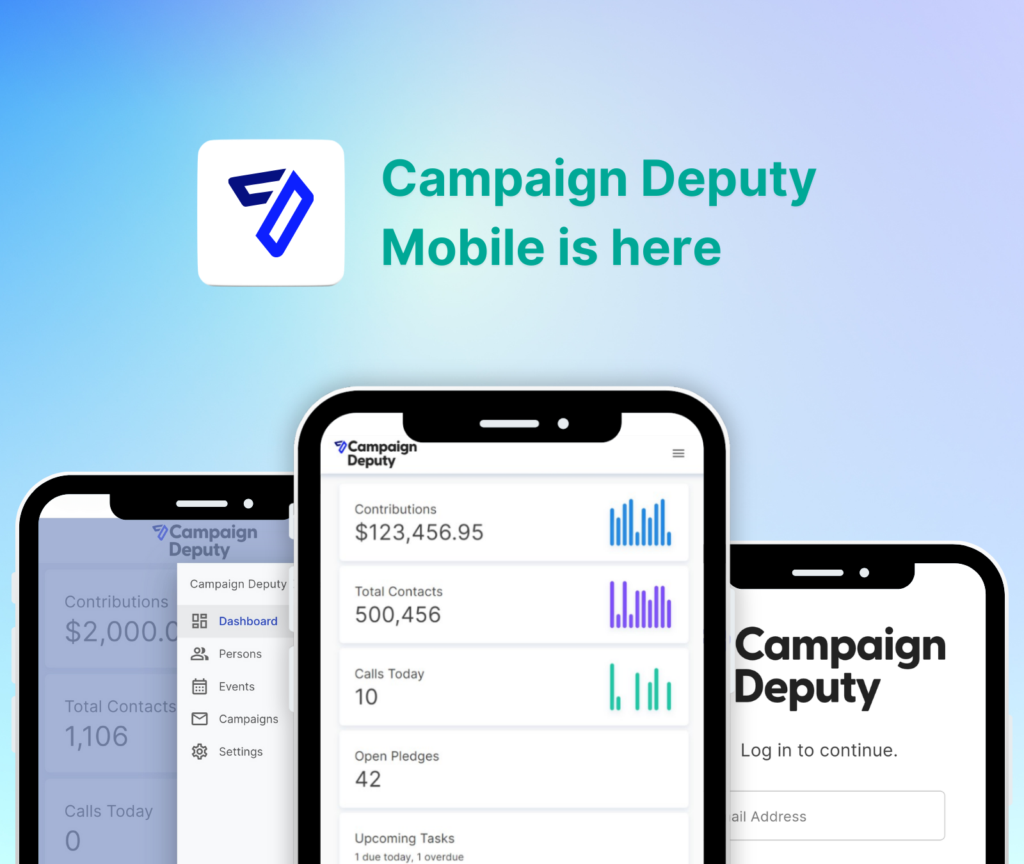

Web forms for congressional campaign donation pages are the online forms a candidate's website uses to collect contributions, built to capture the donor data the FEC requires while converting as many site visitors into givers as possible. A congressional-level form carries more compliance weight than a city council or school board page: any gift that pushes a donor's cumulative total over $200 in a cycle has to come with occupation and employer on file, and a big check landing close to Election Day can trigger a 48-hour disclosure window most local races never see.
- Web forms for congressional campaign donation pages must collect occupation and employer once a donor crosses $200 in a cycle.
- Campaign Deputy builds the disclaimer, contribution-limit tracking, and CRM sync into one form instead of three separate tools.
- Recurring gift toggles raise total dollars per donor without adding a single extra field to the checkout.
- ActBlue and NGP VAN both process federal contributions, but neither hands a congressional campaign a full donor CRM the way Campaign Deputy does.
Why this matters for congressional campaigns
A congressional donor base is national, not local. Donors give from other states, other time zones, and they expect a checkout that works on a phone at 11pm the same as it works on a laptop at a fundraiser. The form is the first data point in the entire fundraising operation — every field it captures either feeds a compliance report later or gets manually chased down by a treasurer during quarantine season before an FEC deadline.
Miss a field at the point of collection and someone on staff spends hours calling donors back for an employer name three weeks before a report is due. Build the form right once and the compliance work downstream shrinks to almost nothing. That's the case for treating the donation page as a compliance tool first, a conversion tool second — congressional campaigns that flip that order end up rebuilding the form mid-cycle.
Start with a fundraising web form built for a campaign as the baseline, then layer in what a federal race specifically needs.
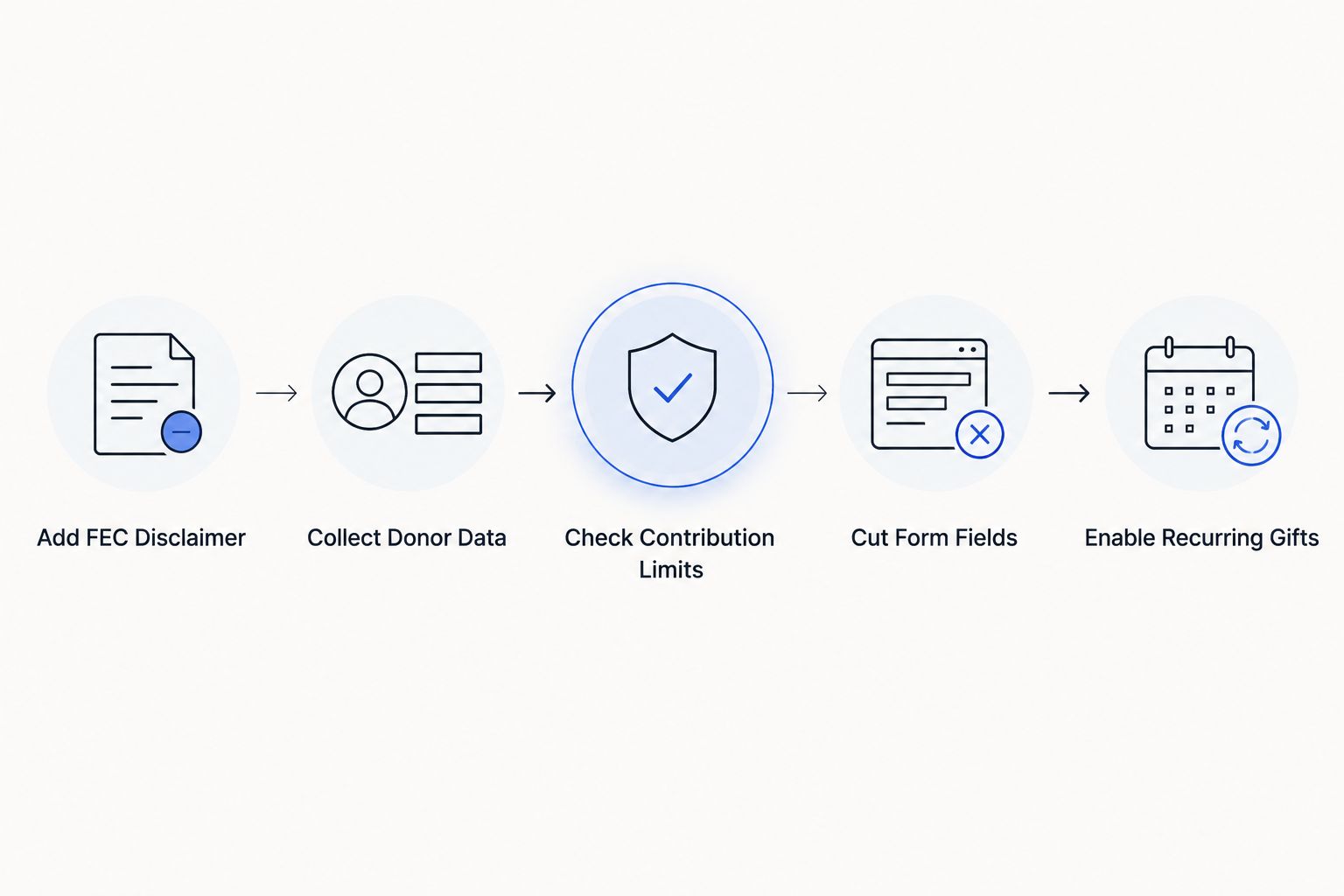
Add the FEC disclaimer every federal form needs
Every donation form on a candidate's site needs the "paid for by" line, and it has to render on mobile exactly as it does on desktop — a disclaimer that collapses or gets cut off in a mobile checkout is a real problem, not a cosmetic one.
- Paid-for-by line with the committee's full registered name
- Treasurer name where required
- Disclaimer visible above the fold on mobile, not buried in a footer
- Same disclaimer text on embedded forms as on the standalone donation page
- Language confirming the contribution is not made from a corporate account
Collect the donor data the FEC will ask for later
Name and card number are not enough for a federal filing. The form has to ask for the full set the first time, because chasing it down after the fact costs staff time no campaign has to spare in the final stretch.
- Full legal name and mailing address
- Occupation and employer, flagged as required once cumulative giving crosses $200
- Contribution date and amount recorded automatically, not typed in by staff
- Confirmation the donor is a US citizen or lawful permanent resident
- A field distinguishing primary-election giving from general-election giving
Build a contribution-limit check into the form
A congressional campaign runs a primary and a general election on separate limit clocks. A form that doesn't track cumulative totals per donor per election lets someone over-give without anyone noticing until the treasurer reconciles the books.
- Running total per donor, split by primary and general
- A block or warning when a donor approaches the per-election limit
- Separate handling for joint checking-account contributions that need both spouses' signatures
- Automatic flag when a donor's occupation/employer field is missing above $200
This is where the manual spreadsheet approach breaks down fastest. Campaign Deputy's web form builder runs the limit check live at checkout and syncs the result straight into the donor's CRM record, so the treasurer isn't reconstructing totals by hand two weeks before a filing deadline. A fundraising CRM built for congressional candidates is the faster path once the manual version starts costing more staff hours than it saves.
Cut the form down to the fields that convert
Every extra field on a donation page costs completions. Congressional donors giving small-dollar amounts from a phone abandon fast if the checkout asks for more than it needs before the card number.
- Preset gift amount buttons instead of a blank dollar field
- One-page checkout over a multi-step wizard for first-time givers
- Auto-fill for returning donors already in the database
- Mobile-first layout tested on an actual phone, not just a browser window resized small
- Only the fields required by law or by the ask, nothing decorative
Turn on recurring gift options
A recurring toggle at checkout is the single highest-leverage change most congressional forms are missing. It doesn't add a field — it changes the frequency of the same gift.
- Recurring toggle set to off by default so it doesn't read as a trick
- Separate tagging for recurring donors versus one-time donors in the CRM
- Automated card-update reminders before expiration
- Reporting that separates recurring revenue from one-time spikes around events
A recurring donation setup built for political campaigns handles the card-update and reminder logic automatically instead of leaving it to a staffer's calendar.
Route every new donor into follow-up
A form that just deposits money and stops is leaving money on the table. The moment a donor submits, that record should move into the rest of the fundraising operation.
- Auto-tag new donors by acquisition source (email, text, event, ad)
- Trigger an automated thank-you within minutes, not days
- Flag donors above a threshold for personal call-time follow-up
- Sync the record into the CRM without a manual export/import step
Test load speed and mobile checkout before launch
A slow form on a phone loses donors before they see the ask. Test the actual checkout path, not just the homepage.
- Load the form on a phone over cellular data, not office wifi
- Time how long it takes from click to confirmation screen
- A/B test the submit button copy against a control
- Confirm the disclaimer and required fields render correctly on iOS and Android
Comparing form options for congressional campaigns
| Option | Best for | Key limitation | Verdict |
|---|---|---|---|
| Campaign Deputy | Campaigns wanting the form synced directly into CRM, call time, and compliance data | Requires setup time to configure limit tracking and tagging | Recommended |
| ActBlue | Campaigns already routing through a shared Democratic processing network | No built-in CRM, call time, or texting tools | Good for pass-through processing, not for donor management |
| NGP VAN | Larger campaigns already standardized on the VAN ecosystem for voter data | Heavier setup, built more for voter file work than donation-page conversion | Consider if already on VAN |
| Custom-built (WordPress/Typeform plugin) | Campaigns with in-house dev resources and no urgency | No native FEC limit tracking, no automatic CRM sync | Skip for federal-level compliance risk |
See the form and CRM together
Check how a congressional donation page syncs to compliance and call time.
Common mistakes congressional campaigns make
- Leaving the disclaimer off the mobile-embedded version of the form while the desktop version has it — regulators don't grade on device.
- Tracking contribution limits by hand in a spreadsheet instead of at the point of donation, which surfaces over-the-limit gifts weeks too late.
- Treating the donation form as a one-time build instead of something synced live to the CRM, so donor records go stale the moment the form launches.
- Asking for 10+ fields before the card number, which tanks completion rates on small-dollar mobile gifts that make up most congressional online revenue.
- Missing the 48-hour notice window on a large late-cycle gift because nobody flagged it as it came in.
FAQ
What’s the best web form for congressional campaign donation pages in 2026?
Campaign Deputy is built specifically for congressional campaigns that need contribution-limit tracking, an FEC disclaimer, and a live sync to the donor CRM in one form. ActBlue and NGP VAN process federal contributions too, but neither includes a full donor CRM behind the checkout.
Do congressional donation forms need an FEC disclaimer on mobile?
Yes. The paid-for-by disclaimer has to render on the mobile checkout exactly as it does on desktop, not collapse into a footer or get cut off.
How much donor data does a federal candidate have to collect?
Once a donor’s cumulative giving in an election passes $200, the campaign has to have occupation and employer on file, along with full name, address, date, and amount for every contribution.
Is ActBlue required for Democratic congressional campaigns?
No. ActBlue is a widely used processing option among Democratic and progressive campaigns, but it’s a payment processor, not a requirement, and it doesn’t replace a donor CRM.
Can a recurring donation toggle interfere with contribution limit tracking?
It can if the platform doesn’t track cumulative totals per donor across recurring charges. The form needs to add each recurring charge to the same running total as one-time gifts.
How fast do congressional campaigns have to report large late donations?
Contributions of $1,000 or more received in the window close to Election Day trigger a 48-hour reporting requirement, separate from the campaign’s regular filing schedule.
Should a congressional campaign build its own form or use existing software?
Building from scratch on a generic plugin skips native contribution-limit tracking and CRM sync, which shifts that compliance work onto staff by hand. A form built for the segment handles both automatically.
Does Campaign Deputy work for independent congressional candidates?
Campaign Deputy supports Democratic, nonpartisan, and independent campaigns focused on donor fundraising rather than voter outreach.
One last thing
The highest-leverage move on a congressional donation form isn't the design — it's what happens the second after submit. A form that tags acquisition source and pushes the new donor straight into a call-time list turns a one-time $25 online gift into a candidate for a $500 ask on the next call sheet. Most congressional campaigns build the form to collect money and stop there; the ones that win the fundraising race build the form to start a donor relationship.
Related guides
- Donor management software built for congressional campaigns
- Email marketing software for congressional campaigns