
Colorado campaign finance filing runs through TRACER, the state's electronic disclosure system, and the rules change depending on whether you're running for state representative, county commissioner, or a nonpartisan local seat. Get the registration and reporting cadence wrong in 2026 and you're looking at daily fines, not a warning letter.
- Colorado campaign finance filing happens through TRACER, run by the Secretary of State’s office.
- Register a candidate committee within 10 days of raising or spending $200 in Colorado.
- Most candidates file monthly reports plus extra reports in the 30 and 15 days before an election.
- Late reports in Colorado draw automatic fines that accrue daily until you file — track everything as it happens.
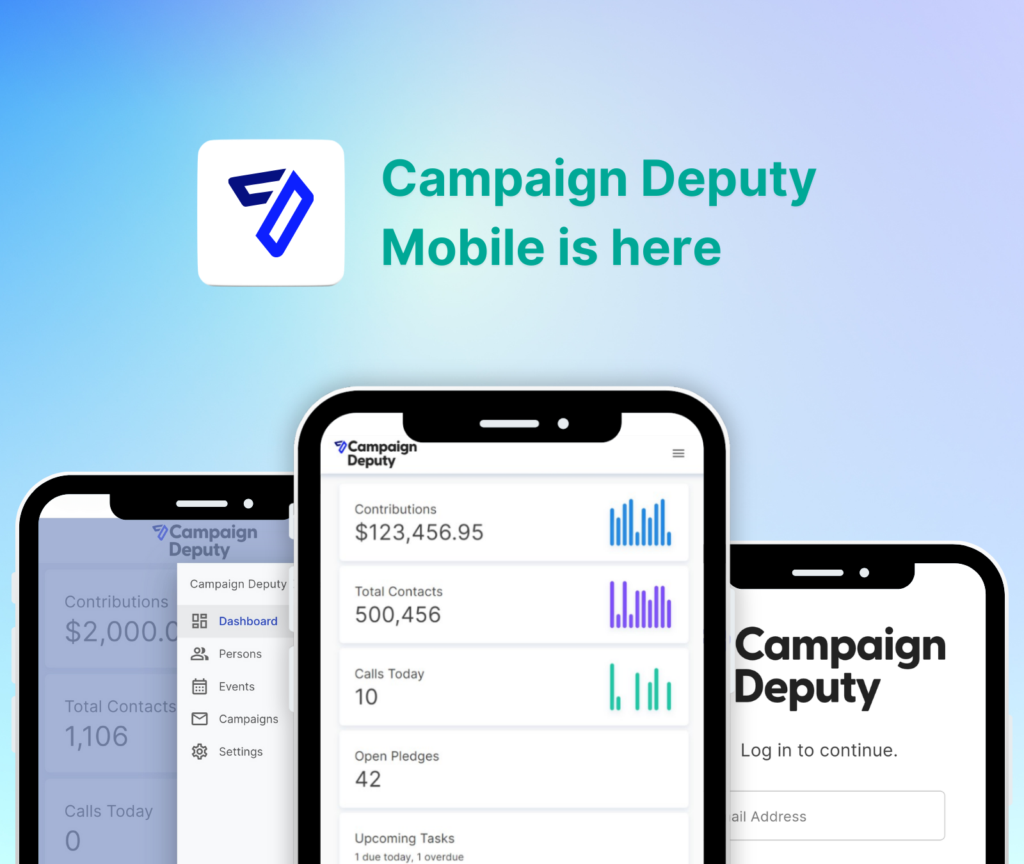
- Campaign Deputy exports contribution and expense data in the format TRACER expects, cutting filing prep from hours to minutes.
Why this matters
Colorado's Fair Campaign Practices Act puts real teeth behind the deadlines. Fines accrue per day for late reports, and the Secretary of State's office publishes every filer's status publicly — donors, opponents, and local reporters all check it. A messy filing history follows a candidate through the entire cycle in 2026, and it's one of the first things an opposition researcher pulls.
The filing itself isn't complicated. What trips up first-time candidates is treating it as a once-a-month scramble instead of a running ledger. Every contribution and expense needs a timestamp, a source, and a category the moment it happens — not reconstructed from a bank statement three days before a deadline.
What you'll need
- A registered candidate committee (or issue/political committee) with TRACER
- A designated treasurer — Colorado requires one on file
- Itemized records of every contribution: donor name, address, occupation/employer for larger gifts, date, and amount
- Itemized records of every expenditure: vendor, purpose, date, and amount
- Bank account statements matching your committee's registered account
- A CRM or spreadsheet that tracks contributions in real time, not after the fact
Campaign Deputy exists for exactly this — the compliance side of fundraising software matters as much as the donation form on your website.
The steps
1. Register your committee before you cross $200
Colorado requires candidate committee registration once you raise or spend $200, and you have 10 days from that trigger to file. This is the single most common miss for first-time candidates — people accept a $500 check at a house party in January 2026 and don't register until March.
Common mistake: waiting until you have a treasurer lined up. Register first, name the treasurer on the registration form, and update it later if the treasurer changes.
2. Set up your TRACER account and committee profile
Once registered, your committee gets a TRACER login. Enter your committee ID, treasurer contact, and bank account details before your first reporting deadline hits — not the night before.
Double-check the office you're filing for. State House, State Senate, and local races (county commissioner, school board, city council) each have distinct filer categories inside TRACER, and picking the wrong one misroutes your deadlines.
3. Log every contribution and expense as it happens
Don't batch this. A contribution logged the day it arrives is accurate; one reconstructed from memory six weeks later isn't. For any donor giving over Colorado's itemization threshold, you need occupation and employer on file — asking for it after the fact is awkward and slows you down at filing time.
Expected outcome: by the time a reporting period closes, your ledger is already done — you're just exporting it, not building it.
4. Match your reporting periods to Colorado's calendar
Colorado candidates generally file monthly reports year-round, with additional reports required in the weeks leading up to an election — commonly a 30-day-out and a 15-day-out report on top of the regular monthly cycle. Confirm your exact schedule on the Secretary of State's TRACER calendar for your specific race, since municipal and special-district timelines can differ from state legislative ones.
Common mistake: assuming a slow fundraising month means no report is due. Colorado requires reports even at $0 activity — a no-activity report still has to be filed on time.
5. Reconcile before you file
Run your ledger against your bank statement before you touch TRACER. Totals that don't match are the number-one reason candidates get contacted by the Secretary of State's office for a correction after filing — which then requires an amendment.
6. Submit through TRACER and save the confirmation
File before 11:59 p.m. on the due date. TRACER generates a confirmation once the report is accepted — save it. If TRACER shows a submission error rather than a confirmation, the report isn't filed, even if you hit submit.
7. Amend fast if you catch an error
If you find a mistake after filing — wrong amount, missing donor info, duplicate entry — file an amended report through TRACER as soon as you catch it. Waiting compounds the problem if the same error carries into your next report.
Stop rebuilding your ledger by hand
Track contributions and expenses as they happen and export what TRACER needs.
Troubleshooting
- TRACER login won't accept your credentials. Confirm you're using the committee's registered login, not a personal one — treasurers sometimes get locked into last cycle's account.
- Your ledger total doesn't match your bank statement. Check for in-kind contributions (donated goods or services) — these count toward totals but don't move through the bank account, so they're easy to leave out.
- You missed a monthly deadline. File immediately — fines accrue daily, so every day you wait costs more. Don't wait for the next reporting period to catch up.
- A donor's occupation/employer field is blank. Reach out and get it before you file rather than filing incomplete and amending later — amendments draw more scrutiny than a slightly delayed initial filing.
- Your treasurer changed mid-cycle. Update the committee registration in TRACER immediately — reports filed under an outdated treasurer name can get flagged for review.
- You're not sure if a report is required this period. File a zero-activity report anyway. Colorado doesn't waive the filing requirement just because nothing happened.
Tools and resources
- TRACER (Colorado Secretary of State's electronic filing system) — the system of record for every filing
- Colorado Secretary of State elections division — deadline calendars specific to your race type
- Campaign Deputy's compliance and donor management tools — for keeping contribution and expense data reconciled between reporting periods
- Call time software built for candidates — logs pledges and contributions the moment a donor commits, so they're not missing from your next report
- Guide to running for state representative — for candidates mapping out the full cycle, not just the finance filing piece
What to do next
If you're still setting up your fundraising operation, get the CRM and reporting pipeline in place before your first contribution comes in — not after your first filing deadline is already close. Campaign Deputy's guide for first-time candidates walks through picking software that handles both the fundraising and the compliance side without a second system bolted on.
FAQ
What is TRACER in Colorado campaign finance filing?
TRACER (Transparency in Contribution and Expenditure Reporting) is Colorado’s electronic system for filing campaign finance disclosures, run by the Secretary of State’s office. Every registered candidate committee, political committee, and issue committee files through it.
How often do Colorado candidates file campaign finance reports?
Most Colorado candidates file monthly reports year-round, with additional reports required roughly 30 and 15 days before an election. Exact schedules vary by office, so check the TRACER calendar for your specific race in 2026.
What’s the threshold for registering a candidate committee in Colorado?
Colorado requires candidate committee registration within 10 days of raising or spending $200. This applies whether the $200 comes from one donor or adds up across several smaller contributions.
Is Colorado campaign finance filing different for local races vs state races?
Yes — county commissioner, school board, and city council races often follow municipal or special-district deadlines that differ from state legislative timelines. Confirm the filer category in TRACER matches the specific office you’re running for.
What happens if I miss a filing deadline in Colorado?
Colorado assesses fines that accrue daily starting the day after a missed deadline. The fastest way to stop the fine from growing is to file immediately rather than waiting for the next reporting period.
Can I amend a Colorado campaign finance report after filing?
Yes, TRACER allows amended reports for corrections like wrong contribution amounts or missing donor information. File the amendment as soon as you catch the error to avoid it carrying into future reports.
Do nonprofits file the same reports as candidates in Colorado?
No — nonprofits generally file under different disclosure rules than candidate committees, though issue committees supporting or opposing ballot measures have their own TRACER filing requirements. Check with the Secretary of State’s office for your specific committee type.
What software helps with Colorado campaign finance compliance?
Fundraising CRMs that log contributions and expenses in real time, rather than requiring a manual reconstruction at deadline time, make Colorado campaign finance filing far less painful. Campaign Deputy tracks both sides of the ledger so the export lines up with what TRACER expects.
One last thing
The zero-activity report catches more first-time candidates than any deadline math error — Colorado still expects a filing even in a month where you raised nothing and spent nothing, and skipping it triggers the same daily fine as a late report with real numbers in it.
Related guides
- Best fundraising platform for first-time political candidates
- How to run for state representative
- Best political campaign software for state and local elections
- How to run for county commissioner