A nonprofit donation page succeeds or fails on the web form embedded inside it — not the copy above it, not the photo next to it, the form itself. Pick the wrong one and donors abandon the page before they hit submit; pick the right one and a single gift turns into a recurring one.
- The best web forms for nonprofit donation pages sync directly to your donor CRM, not a spreadsheet export.
- Skip forms that redirect off your domain — every extra click loses donors before they submit.
- Pair your form with donor management software and an email list tool instead of three disconnected logins.
- One Campaign Deputy client scaled email sends to 5 million per month once forms and CRM data lived together.
- Verdict for 2026: buy an embedded, CRM-synced form; skip standalone builders that can’t pass data forward.
Why This Matters
The web form on your donation page is the only part of the page a donor actually touches. Every dropdown, every "make this recurring" checkbox, and every extra second of load time either pushes a donor toward submit or gives them a reason to close the tab. A good donation form builder for nonprofit fundraising writes that gift straight into a donor record. A bad one leaves it sitting in a form vendor's dashboard until someone exports a CSV.
Nonprofits that treat the web form as a checkbox item — "add a form, done" — end up with donor data trapped in three places: the form tool, the email tool, and whatever spreadsheet staff use to reconcile them. In 2026, the fundraising software built for both nonprofits and campaigns runs on tools that pass donor data forward automatically, not tools that just collect a name and a card number.
Who This Is For
This guide is for nonprofit development directors, PAC treasurers, and campaign finance staff choosing or replacing the web form on a donation page — people focused on donors, not voter outreach. If you're building a page to bring in gifts and grow a donor list, not persuade an electorate, the criteria below apply directly to you.
What to Look For in Web Forms for Nonprofit Donation Pages
Native CRM sync, not a CSV export
A form that only emails you a spreadsheet row per gift means someone on staff manually re-keys every donor into your database. That's fine at ten gifts a month. At 500, it's a part-time job nobody budgeted for.
Recurring giving toggle set to visible, not buried
Recurring donors give more over a full year than one-time donors, so the toggle to make a gift monthly needs to sit right on the main form, not in a dropdown two screens deep. If your current form hides it, you're leaving recurring revenue on the table.
Embedded checkout, no redirect
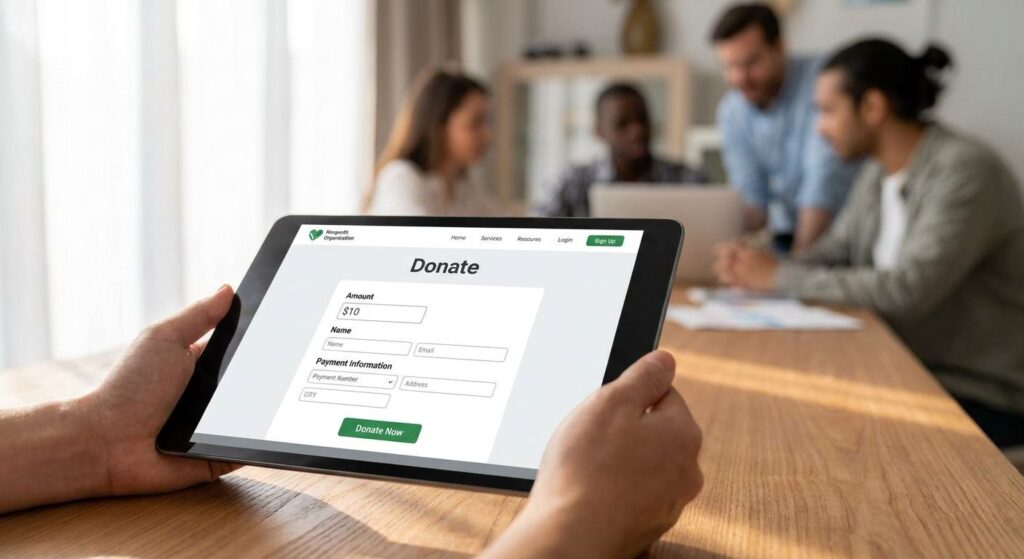
Every time a donor clicks "donate" and gets bounced to a third-party checkout page, you've added a step between intent and completion. Nonprofit donation pages that keep the form embedded on the same page keep the donor's attention where you want it.
Compliance-ready records and receipts
PACs and hybrid political nonprofits need forms that capture the fields required for finance reporting; 501(c)(3) nonprofits need clean receipt records for tax purposes. Either way, the form should generate that paperwork automatically instead of leaving it to a year-end scramble.
Branding control without a developer
A donation form that looks like it was bolted on from a different website erodes trust at the exact moment a donor is entering a card number. You should be able to match colors and fonts to your page without filing a ticket with a design team.
See the donation form builder
Check how form submissions sync straight into your donor CRM.
Top Picks for Nonprofit Donation Web Forms
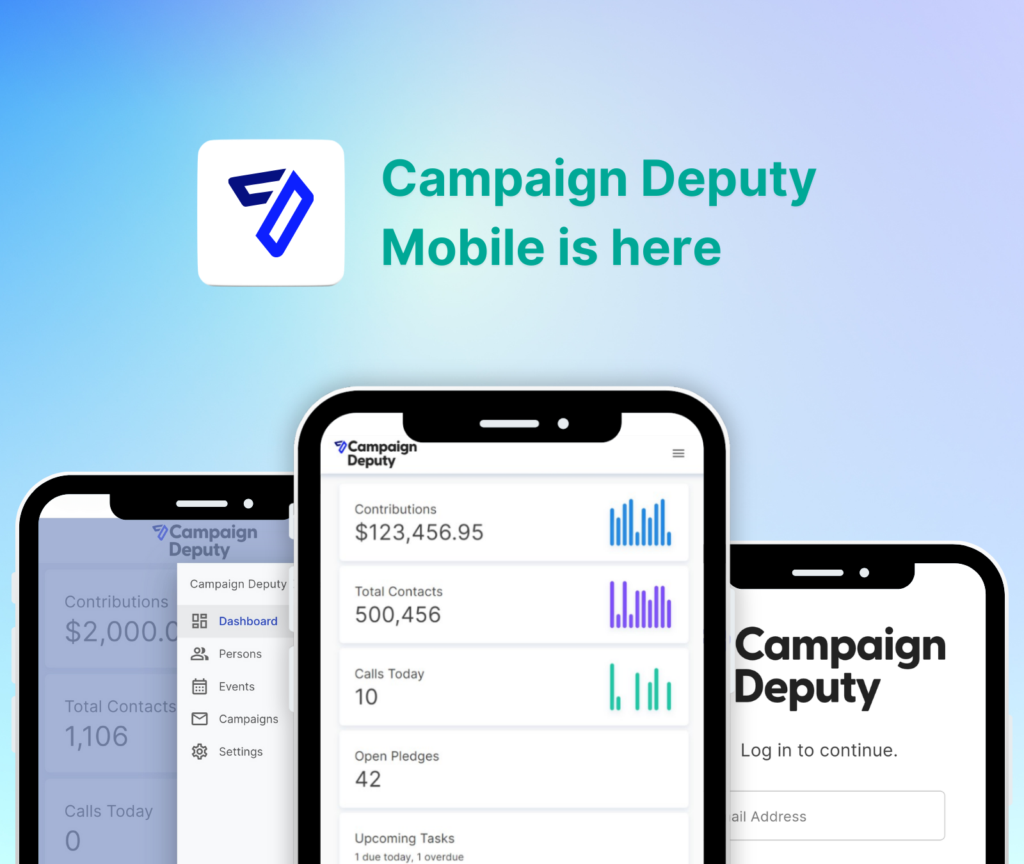
The all-in-one pick. Campaign Deputy's web forms write directly into the same CRM record used for call time, email, and texting — one dashboard, zero double entry. One down-ballot campaign running this exact form-to-CRM setup raised $380,000 without adding fundraising staff. Buy it if you're currently juggling a form tool and a separate CRM.
The donor-database pairing. For nonprofits running galas, auctions, or ticketed events alongside year-round giving, donor management software for nonprofit galas and events ties one-time event RSVPs and web form gifts into a single donor profile instead of two separate systems. Spec that matters: one shared record, zero manual reconciliation after event night. Buy it if your gala list and your online donor list currently live in different tools.
The list-growth pairing. Every form submission should feed your email list automatically, not sit until someone exports it manually. Donor lists and email campaigns software built on the same platform as your form means a new donor gets tagged into a segment the moment they submit — the same setup behind the 5 million monthly email sends noted above. Buy it if your email list growth depends on form submissions.
The follow-up pairing. Texting software for nonprofit fundraising campaigns can trigger a thank-you text within minutes of a form submission, when a donor is most likely to open a message. It needs an opt-in checkbox on the form itself to stay compliant. Consider it if your team has the staff time to manage a texting program; skip it if you can't keep response times fast.
What to Avoid
- Standalone free form builders with no CRM connection. They look like they save money until you're paying a part-time staffer to move data by hand — stop overpaying for fundraising software that only does half the job.
- Forms that redirect to a separate checkout domain. Every added click between "donate" and "submit" costs completed gifts.
- One-time-only forms with no recurring toggle. If the form can't set up a monthly gift at the point of donation, you're relying entirely on a second ask later — one that may never happen.
How the Picks Compare
| Pick | CRM Sync | Recurring Toggle | Best For | Verdict |
|---|---|---|---|---|
| All-in-one (Campaign Deputy) | Native, same platform | Yes, on by default | Teams replacing 3+ disconnected tools | Buy |
| Donor-database pairing | Via connected CRM | Yes | Gala- and event-heavy nonprofits | Buy |
| List-growth pairing | Via connected CRM | Yes | Nonprofits scaling email lists | Buy |
| Follow-up texting pairing | Via connected CRM | N/A (texting layer) | Nonprofits texting new donors fast | Consider |
FAQ
What’s the best web form for nonprofit donation pages in 2026?
The best web form for nonprofit donation pages in 2026 is one that syncs directly to your donor CRM instead of requiring a manual export. Campaign Deputy’s form builder writes each submission straight into the donor record so gift history and contact details stay in one place.
Should a nonprofit donation form redirect to a separate checkout page?
No, a nonprofit donation form should stay embedded on the page rather than redirect to a third-party checkout. Every added step between the donor and the submit button is a chance for them to close the tab before completing the gift.
Do nonprofit donation forms need a recurring giving toggle?
Yes, every nonprofit donation form needs a recurring giving toggle, and it should be visible on the main form rather than buried in a dropdown. Recurring donors give more over a full year than one-time donors, so the toggle earns its place.
How much do web forms for nonprofit donation pages cost?
Cost varies depending on whether you’re buying a standalone form tool or a form bundled with CRM, email, and texting on one platform. Check current pricing directly with the vendor, since packages and bundles change from year to year.
Can a donation web form sync automatically with a donor CRM?
Yes, a donation web form can sync automatically with a donor CRM when both come from the same platform or connect through a direct integration. Without that sync, someone on staff ends up manually re-entering every gift.
Is texting a donor right after a form submission compliant?
Texting a donor after a form submission is compliant when the donor opted in through a checkbox on the form itself. Texting without that opt-in is the fastest way to get flagged as spam and lose the donor entirely.
What’s the difference between a donation form builder and a donor CRM?
A donation form builder collects the gift; a donor CRM stores everything about that donor before and after the gift, including email history, event RSVPs, and call time notes. Nonprofits running both from separate vendors usually end up with two conflicting versions of the same donor.
Do nonprofit web forms need a separate privacy policy link?
Yes, nonprofit web forms should link to a privacy policy near the submit button since donors are entering payment and contact information. It functions as a trust signal as much as a compliance step.
One Last Thing
The single field nonprofits skip most often is the one that matters most for donor retention: the recurring giving toggle, defaulted to off instead of on. Flipping that one default from off to on is the fastest way to convert a one-time donor into a monthly one in 2026 — no redesign, no new tool, just a different starting setting on the form you already have.