Web forms for candidate donation pages need compliance fields, mobile speed, and CRM sync built in — not bolted on after a treasurer flags a missing employer field. This guide breaks down what a Democratic, nonpartisan, or independent campaign needs from web forms for candidate donation pages in 2026, and which form setups actually convert cold traffic into recorded donors.
- Web forms for candidate donation pages must capture employer and occupation data automatically or your treasurer fixes it by hand.
- The quick-donate embed with three preset amounts is the safe pick for any 2026 campaign — Buy.
- Skip generic builders like Wix or Google Forms — they don’t track contribution limits or sync to a donor CRM.
- Recurring-donor forms compound fundraising without extra ask emails once they’re live on your page.
- Forms that sync straight to your CRM mean no volunteer re-types a donor record by hand.
Why this matters
A donation form is the only page on your site where a stranger hands over money and personal data at the same time. Get the fields wrong and your treasurer spends the week before an FEC deadline calling donors back to ask for their employer and occupation — required on any federal contribution over $200 per election cycle.
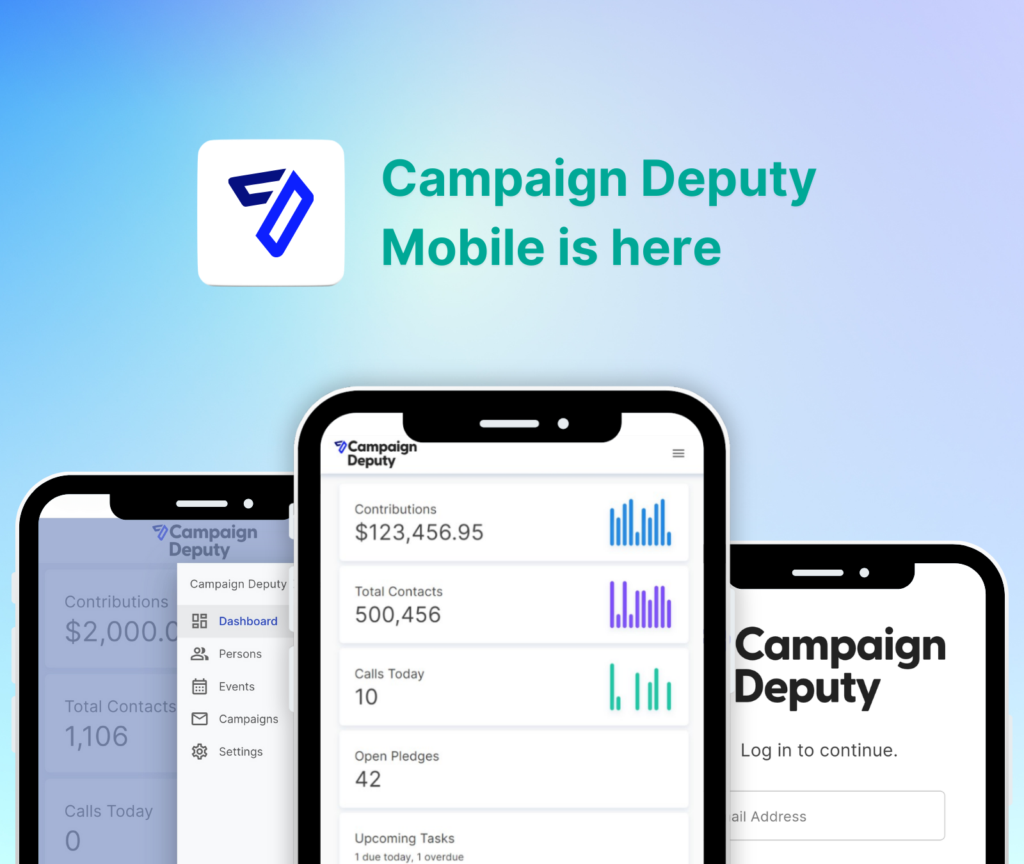
Get the load speed wrong and half your email traffic bounces before the page renders. Campaign Deputy's web forms exist because campaigns kept losing donors between the ask and the confirmation page — a gap that's easy to close and expensive to ignore in a 2026 election cycle where most gifts arrive from a phone.
Who this is for
This guide is for campaign managers, treasurers, and first-time candidates — school board through Congress — who need a donation page that a volunteer can set up in an afternoon and a compliance officer won't have to rebuild in March. It's for down-ballot Democratic and nonpartisan campaigns running lean staff, not national committees with a dedicated dev team.
What to look for in web forms for candidate donation pages
Compliance fields captured automatically
Every form needs name, address, employer, and occupation fields that trigger once a donor crosses the itemization threshold, and it needs to flag the donor automatically when they're approaching a state or federal contribution limit. A form that skips this pushes the compliance work onto your treasurer at report time, and that's the wrong place to find a missing field.
Mobile load time under 2-3 seconds
Most donation clicks in 2026 come from a phone, usually from a text or an email opened between meetings. A form that takes five seconds to render loses donors before they see the ask — test your form on a phone with the screen brightness low, not just on your office monitor.
Recurring donation toggle
A recurring gift option turns a one-time $25 donor into a $25-a-month donor without you sending another email. Campaigns that skip this leave money on the table every cycle, because most donors never come back to give a second time on their own.
Direct sync to your donor CRM
A form that doesn't write straight into your CRM means someone on staff is exporting spreadsheets and re-entering records — a task that eats hours during the exact weeks you need staff on the phones. The form should log the donor, the amount, and the source in real time.
Text-to-give and QR support
Event fundraising and door-knocking both convert better with a QR code that opens the same compliant form on a phone, not a separate tool that dumps donors into a different list. If your web form and your texting platform don't talk to each other, you're building two donor databases by accident.
Top web form setups for your donation page
The quick-donate embed — the safe pick
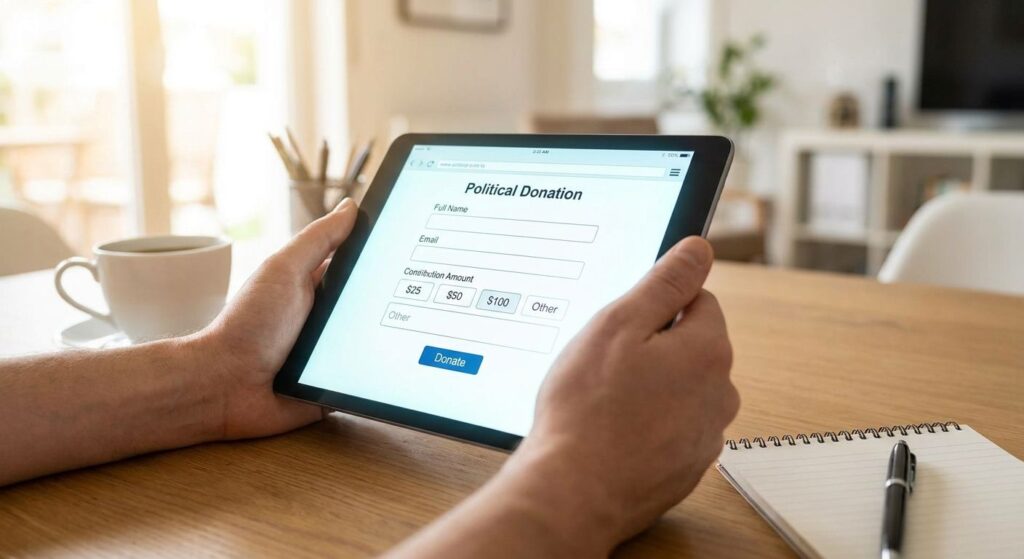
A short form with three preset amounts ($25, $50, $100) and one custom field, embedded directly on your homepage or a dedicated donate page. It's built for campaigns of any size and it's the fastest form a first-time visitor can complete without hesitating over which button to click.
Verdict: Buy. Every campaign needs one of these live before the first fundraising email goes out.
The recurring-donor page — the compounding pick
This setup leads with a monthly toggle instead of burying it under the amount buttons, and it's meant to sit on its own URL that you link from thank-you emails and end-of-quarter appeals. Campaigns that put recurring gifts front and center build a base that doesn't need to be re-asked every month.
Verdict: Buy, but only after your quick-donate embed is already converting — this is the second form you build, not the first.
The event or ticket form — the situational pick
Built for fundraisers with ticket tiers ($50, $150, $500 sponsor levels) instead of open donation amounts, this form matters most in the run-up to a specific event date. Outside of event season it sits mostly unused, which is fine — it's not meant to be your everyday donate button.
Verdict: Consider if you're running at least one ticketed fundraiser per quarter; Skip if your fundraising is all digital asks.
The text-to-give landing form — the mobile pick
A stripped-down form reachable by QR code or SMS link, designed to load fast on a phone with minimal typing — usually just amount, name, and card number. It's the right form for door-knocking teams and tabling events where a donor has thirty seconds and one hand free.
Verdict: Buy if your campaign does in-person canvassing or events; Skip if your outreach is entirely email-based.
Build your donation form this week
Set up compliant, CRM-synced web forms without a developer.
What to avoid
- Free page builders without compliance fields. A Wix or Squarespace donate button looks clean, but it doesn't track aggregate contribution limits or flag donors who need employer and occupation captured — you'll find the gaps during report season, not before.
- PayPal or Venmo buttons as your primary form. They process payment fine, but they don't write donor records into a CRM or a compliance-ready contact list, so every gift becomes manual data entry later.
- A single generic form for every use case. One form trying to serve a homepage ask, an event, and a text-to-give link usually loads slower and converts worse at all three than three purpose-built forms would.
Verdict comparison
| Form setup | Compliance fields | Mobile load | Recurring option | CRM sync | Verdict |
|---|---|---|---|---|---|
| Quick-donate embed | Yes | Fast | Optional | Yes | Buy |
| Recurring-donor page | Yes | Fast | Default on | Yes | Buy |
| Event/ticket form | Yes | Moderate | No | Yes | Consider |
| Text-to-give landing form | Yes | Fastest | Optional | Yes | Buy for field campaigns |
Campaigns building their first donation page — especially first-time candidates running for state representative or city council — usually start with the quick-donate embed and add the recurring page once the first form is live and converting.
A donation letter that links to a slow, non-compliant form wastes the entire ask — the form is where the letter's work either pays off or gets abandoned.
Many independent and nonpartisan campaigns also route their web forms through a campaign website builder so the donate page, the issues page, and the volunteer sign-up all share one design and one login for staff — worth checking before you bolt a form onto a site built on a separate platform.
FAQ
What fields does a candidate donation form need for compliance?
A compliant donation form needs name, address, employer, and occupation fields that trigger once a donor crosses the itemization threshold, along with aggregate contribution limit tracking by election. Missing these fields creates rework at report time.
Is a recurring donation toggle worth adding in 2026?
Yes — a recurring toggle turns one-time donors into repeat donors without additional ask emails. Campaigns that skip it typically see donors give once and never return on their own.
Can I use Google Forms or Wix for a campaign donation page?
You can, but neither tracks contribution limits, captures compliance fields automatically, or syncs to a donor CRM. Most campaigns outgrow these tools by their first finance report.
How fast should a donation form load on mobile?
Under 2-3 seconds on a phone connection. Most 2026 campaign traffic arrives from mobile links in texts and emails, and slow-loading forms lose donors before the page finishes rendering.
Do web forms need to connect to a CRM?
Yes — a form that doesn’t sync to a CRM forces staff to manually re-enter every donor record, which costs hours during the weeks you need staff on the phones instead.
What’s the difference between an event form and a quick-donate form?
An event form uses ticket tiers tied to a specific fundraiser date, while a quick-donate form uses open preset amounts for everyday asks. Most campaigns need a quick-donate form first and add an event form only when they’re running a ticketed fundraiser.
Should text-to-give forms be separate from the main donation page?
Yes for field campaigns — a stripped-down text-to-give form loads faster on a phone and works better for door-knocking and tabling than a full-featured homepage form.
One last thing
The form field campaigns skip most often isn't compliance — it's the recurring toggle. Campaigns that turn it on by default on their donate page, instead of leaving it as an option a donor has to find, consistently build a repeat-donor base before their second finance report, without sending a single extra email.
Related guides