
Onboarding new call time staff on a CRM works best as a three-stage process: account setup and permissions on day one, supervised call blocks with scripts and donor lists through week one, and independent quota-based calling by week two. Skip the shadowing stage and campaigns typically see new staff burn through donor lists too fast, logging bad contact data that treasurers have to clean up later.
- How to onboard call time staff on a CRM breaks into three stages: setup, shadowing, and independent quota calling.
- Give new staff view-only access on day one and full call-logging permissions only after their first supervised shift.
- A two-week ramp beats a one-day training session for donor call quality and CRM data accuracy.
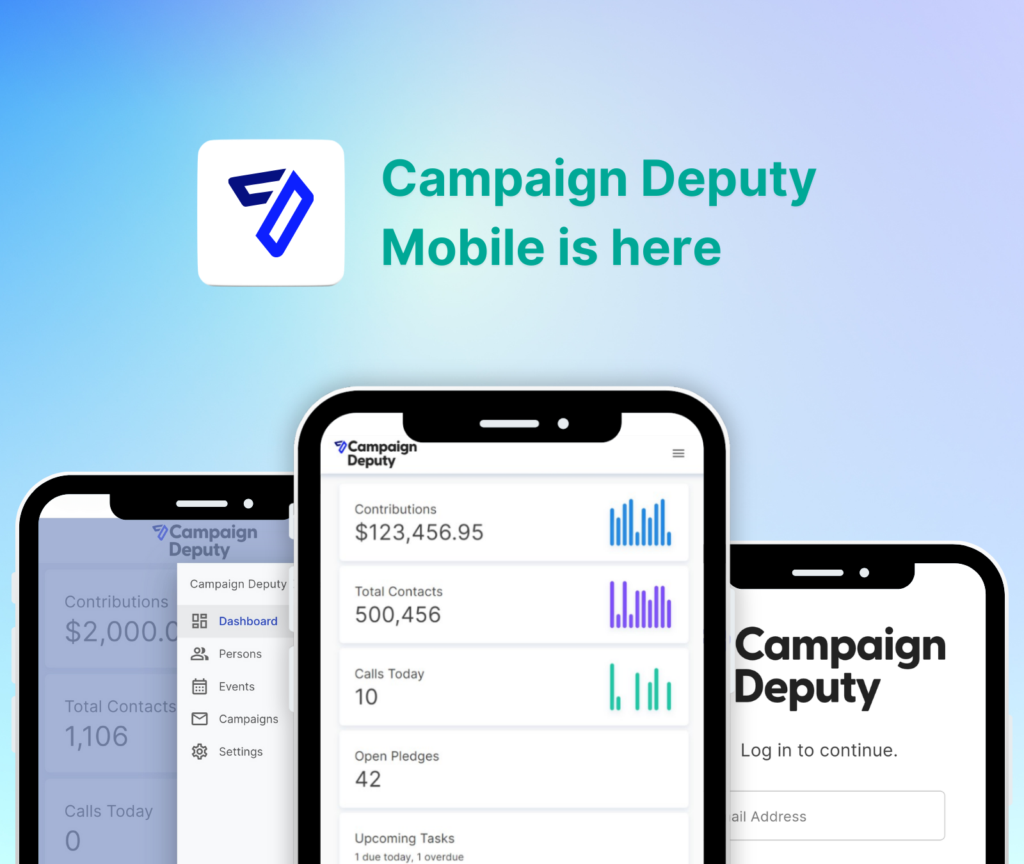
- Campaign Deputy separates admin, staff, and volunteer permission tiers so new hires never touch compliance-sensitive fields.
- Track call quotas from week one so new staff have a visible target instead of vague expectations.
Why this matters
Bad onboarding on a call time CRM shows up as duplicate donor records, missed compliance flags, and staff who quit within a month because nobody showed them how the system works. In 2026, campaigns running lean fundraising teams can't afford to burn three weeks re-training a call time hire who never got a real walkthrough. The fix isn't more software, it's a repeatable process that gets new staff dialing correctly by day three instead of day fifteen.
How to Onboard New Call Time Staff on a CRM
Run onboarding as a sequence, not a single meeting. Each step below assumes the CRM already has donor lists, call time blocks, and compliance rules configured before staff start.
- Grant scoped access first. New hires get login credentials with view-only or limited-edit permissions, not full admin rights.
- Walk through the call list and script together. Fifteen to thirty minutes reviewing how donor records, ask amounts, and notes fields work prevents most early data-entry mistakes.
- Shadow a live call block. Staff listen to two or three calls before making their own, watching how the caller logs outcomes in real time.
- Run supervised calls. New hires make their first five to ten calls with a supervisor nearby to answer questions and check logged notes.
- Review the log together. A 10-minute debrief after the first shift catches formatting habits — wrong pledge fields, missing follow-up dates — before they repeat across hundreds of records.
- Move to independent blocks with a quota. By week two, staff work standard call time software for candidates and campaign staff shifts against their own dial goals.
The pattern holds whether you're onboarding one volunteer or a paid call time team of six.
Day One: Account Setup and Access
Day one is administrative, not persuasive. New staff need a login, a permission tier, and a walkthrough of the interface — nothing more.
- Create the account with view-only or restricted-edit access, never full admin, on the first day.
- Assign a specific call time blocks schedule so staff know exactly when they're expected to dial.
- Confirm they can see donor notes, ask amounts, and pledge history before they make a single call.
- Flag which fields are compliance-sensitive (occupation, employer, aggregate totals) so staff know what not to touch.
Verdict: give staff read access and a schedule on day one, and hold edit permissions until after their first supervised shift.
Week One: Shadowing and Script Training
Week one is where most onboarding failures happen, because campaigns skip shadowing to get bodies on the phone faster. That shortcut costs more time later.
- Pair new staff with an experienced caller for at least two to three shifts.
- Walk through the ask script line by line, including how to log a soft commit versus a hard pledge.
- Have new staff make their first 5-10 calls with a supervisor listening in, not just nearby.
- Debrief the CRM log after each shift — check that notes are specific enough for a future caller to pick up the thread.
By the end of week one, staff should log calls without prompting and understand which donor fields matter for reporting.
Week Two: Independent Call Blocks and Quota Ramp
Week two is when staff move to solo shifts against a real number. Set the quota lower than a veteran caller's target for the first week, then ramp it.
- Assign a starting quota roughly 60-70% of a full caller's target, then increase it weekly.
- Track dials, contacts, and pledges per shift inside the CRM rather than on a spreadsheet, so supervisors can spot drop-off early.
- Review call time fundraising quotas weekly with each staffer instead of only at month-end.
- Give feedback on logged notes, not just dial counts — a caller hitting quota with sloppy data still creates cleanup work.
Verdict: independent calling starts in week two, with a quota that ramps rather than starts at full target.
Why Onboarding Timelines Vary
Not every campaign needs the full two-week ramp. A few factors push the timeline longer or shorter:
- CRM familiarity. Staff who've used any donor CRM before move through setup faster than first-time users.
- Call list complexity. A congressional-scale donor list with segmented ask amounts takes longer to explain than a local city council list.
- Compliance requirements. Campaigns with strict occupation/employer logging rules need extra training time before staff touch live calls.
- Staff type. Paid staff generally ramp faster than volunteers who are donating a few hours a week.
- Supervisor availability. Onboarding stalls when nobody is free to shadow calls or review logs in the first week.
- Script maturity. A tested, written ask script cuts training time versus staff improvising their pitch.
Campaigns automating parts of this process — auto-assigning call lists, flagging stale donor records — often ask how that compares to hiring more staff hours. Weighing the cost of AI automation against a few extra hours of supervisor time each week is a fair comparison before you invest in either.
Set up call time staff the right way
See how permission tiers and call blocks work inside Campaign Deputy.
How long does it take to onboard a new call time staff member?
Most campaigns need about two weeks to get new call time staff fully independent: one week of shadowing and supervised calls, one week ramping to full quota. First-time volunteers with no CRM background may need closer to three weeks, while paid staff with prior call time experience can be independent within a week.
Should call time staff have full CRM admin access?
No — new call time staff should start with view-only or restricted-edit access, not admin rights. Full admin access exposes compliance-sensitive fields like aggregate contribution totals and donor employer data that only treasurers or campaign managers should edit.
What compliance training do call time staff need before making calls?
Call time staff need to know which donor fields feed campaign finance reports — occupation, employer, and aggregate totals — before they log a single call. Campaigns that also handle their own filings can pair this with staff training on how to train a campaign treasurer on compliance reporting so call time data and finance reports stay consistent.
FAQ
How to onboard call time staff on a CRM in 2026?
Run onboarding in three stages: scoped account access on day one, shadowed and supervised calls through week one, and independent quota-based calling by week two. Skipping the shadowing stage is the most common cause of bad donor data later.
How many calls should a new staffer shadow before dialing solo?
Two to three full shifts of shadowing is standard before a new staffer makes their own calls. Fewer than that and most new hires miss how to log soft commits versus hard pledges correctly.
Is a written call script necessary for onboarding?
Yes, a tested written script cuts onboarding time because staff aren’t improvising their pitch while also learning the CRM. Campaigns without one should write it before scheduling any onboarding shifts.
Should volunteers and paid call time staff be onboarded differently?
Paid staff typically ramp to independent calling within a week; volunteers donating a few hours weekly often need closer to three weeks. The stages stay the same, only the pace changes.
What CRM permissions should new call time staff have?
New staff should get view-only or restricted-edit access on day one, with full call-logging permissions granted only after their first supervised shift. Compliance-sensitive fields like employer and aggregate totals stay locked to treasurers and managers.
How do you set a fair quota for a new call time hire?
Start a new hire at roughly 60-70% of a full caller’s quota and increase it weekly as their contact rate stabilizes. Setting the full quota on day one is the fastest way to lose a new staffer.
What’s the biggest mistake in call time staff onboarding?
Skipping the shadowing stage to get staff dialing faster is the biggest mistake, because it produces sloppy CRM notes that supervisors have to clean up for months. A two- to three-shift shadowing period pays for itself in data quality.
Can call time onboarding be done remotely?
Yes, shadowing works remotely if a supervisor can listen in on calls and review the CRM log in real time. The debrief step matters more than physical presence in the same room.
One last thing
The detail campaigns skip most often isn't the script or the CRM walkthrough — it's the post-shift debrief. A 10-minute review of what a new staffer actually logged in week one catches bad habits (vague notes, wrong pledge dates) before they compound across hundreds of donor records by week four.
Related guides